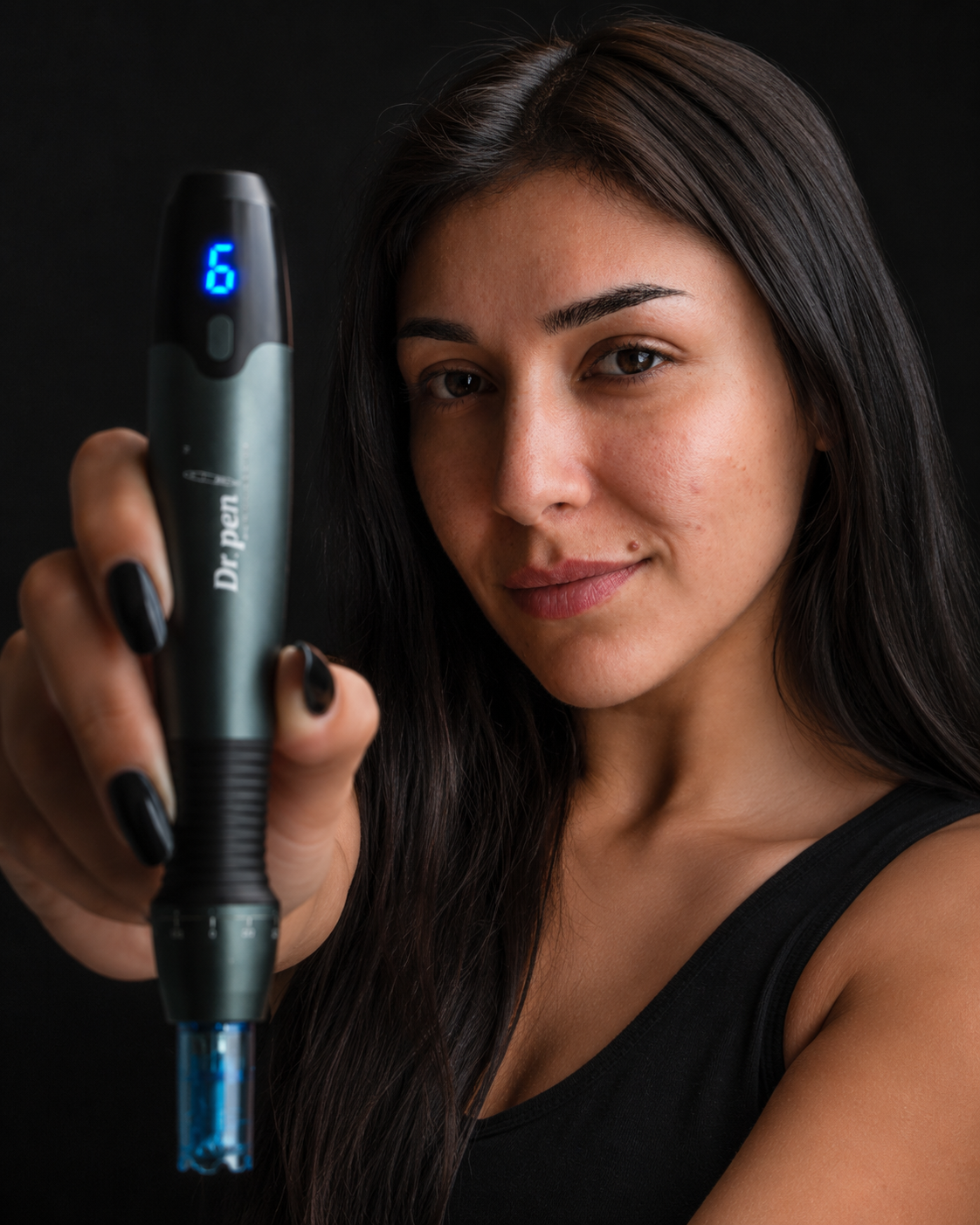



If you are using Dr Pen at home and the device stops, makes an unfamiliar noise or fails to charge, pause rather than trying to finish the session. A useful fault report shows which device you have, what happened and under what conditions, without putting your skin at risk to recreate the problem.
You do not need to diagnose the electronics or produce a professional repair video. Clear photos, a short written timeline and any safe observations permitted by your model’s instructions give support a better starting point. This guide explains what to capture, what not to test and how to prepare a useful support request.
Stop use and check for an immediate safety concern
Switch the pen off and follow its instructions for safely disconnecting power. Do not continue treatment to see whether an interruption, unusual vibration or cartridge problem resolves itself.
If you notice smoke, a burning smell, swelling, liquid entering the device or unusual heat, stop handling or charging it and seek safety guidance from the seller or manufacturer. Do not open the housing, manipulate the battery or reconnect it just to record evidence.
If the problem occurred during treatment, address your skin before documenting the pen. Seek prompt medical advice for worsening redness, increasing warmth, swelling, pus or persistent pain. Fever, rapidly spreading redness or severe symptoms warrant urgent assessment. A support request is not a substitute for medical care.
This article concerns fault documentation, not treatment instructions or confirmation that a particular device is suitable for self-use. The FDA’s guidance on microneedling devices explains the risks and recommends seeking a healthcare provider with appropriate training. Follow the intended-use restrictions and instructions for your exact model.
What to record when using Dr Pen at home
Start with the device’s identity. Similar-looking pens can have different power arrangements, cartridges and controls, so “my Dr Pen is not working” leaves support with several unanswered questions.
Photograph the model marking and any serial or identification label that is accessible without dismantling the pen. Keep the order number, purchase date and seller’s name alongside those photos. If the packaging has an authentication label, retain it, but do not publish its full verification code online.
Record the cartridge type and its packaging details if a cartridge was involved. Useful information includes the stated compatible model, needle configuration, lot number and expiry date where provided. Note whether the package was intact before opening.
If you are unsure about the device’s identity, the store’s guide to checking whether a Dr Pen is genuine can help you organize the verification evidence. An appearance mismatch alone does not establish whether a product is counterfeit or faulty.
Film only what can be shown safely
A short clip can be useful when the symptom is visible or audible. When using Dr Pen at home, however, never recreate a fault against your skin for the camera.
If your model’s manual permits a relevant off-skin check, record only that permitted check. Otherwise, photograph the device switched off and describe what happened during the original incident. Do not fit a cartridge solely to demonstrate a problem, and never touch the needle tips to show movement.
A useful recording identifies the model, shows the relevant indicator or control and captures the symptom without music or narration covering the sound. Explain any button press aloud, particularly if your hand obscures it. Keep the original file because compressed messaging-app copies may hide small indicator changes or distort noise.
If the problem is intermittent and cannot be captured safely, say so. A truthful description of one interruption is more useful than repeated attempts that create a second problem.
Describe the symptom, not an assumed diagnosis
Support needs observations before conclusions. “The indicator did not illuminate after connection” is more useful than “the battery is dead.” Similarly, an unfamiliar sound does not by itself prove a motor failure.
Use this table to turn an impression into a reportable observation:
| What you noticed | What to document | What not to assume |
|---|---|---|
| No response to the power control | What you pressed, the visible response and the power setup | That the battery or circuit board has failed |
| Charging appears unsuccessful | Indicator behavior, connection time and accessory label details | That the charging lead is definitely responsible |
| Unexpected stopping | Display or indicator state, approximate elapsed time and what happened immediately before it stopped | That every interruption has the same cause |
| Unfamiliar noise or vibration | When it began and any safely captured audio | That sound alone identifies a damaged component |
| Cartridge fit seems wrong | Cartridge packaging, stated compatibility and the connection area with power off | That extra force will make it fit |
Also record whether the issue began before skin contact, during use or after cleaning. Include any drop, liquid exposure or accessory change, even if you are unsure whether it matters. When using Dr Pen at home, a factual timeline helps distinguish a possible device fault from a setup or compatibility question without blaming either the device or the user prematurely.
Keep checks within the model’s instructions
Documentation should not become an improvised repair session. Check the manual for your exact model before changing connections, attempting a reset or running the device without a cartridge. Instructions for another pen are not automatically transferable.
If you own an A20, the model-specific A20 troubleshooting guide is a more relevant reference than a generic video showing a different device. Record any permitted check you complete and its result, including “no change.” Do not repeat it unnecessarily.
For charging concerns, identify the accessories first
Photograph the lead, connector and adapter label where applicable. Note whether the accessory came with the device or was purchased separately. Report visible damage without bending a cable repeatedly or inserting tools into a port.
For an M8 owner, the Dr Pen M8 Charging Lead Spare Part, the original charging lead for Dr Pen M8, is a relevant model-specific replacement to discuss with support. Its availability does not establish that your existing lead caused the fault, and it should not be assumed compatible with other models.
If you are using Dr Pen at home, avoid buying several replacement parts as a diagnostic shortcut. Ask support to confirm compatibility and the appropriate next step before spending money or reconnecting a suspect device.

Build a support request that is easy to assess
Send the evidence through the seller’s verified support channel, ideally the contact route associated with your order. Use a specific subject line such as “M8 charging indicator not illuminating, order [number]” rather than “Broken pen.”
Include the essential facts in one message:
- Device and purchase: Exact model, order number, purchase date and seller.
- Incident: Date, approximate time and a plain-language description of the symptom.
- Conditions: Whether the issue occurred before treatment, during use, after cleaning or while charging.
- Accessories: Cartridge details and power-accessory identification, where relevant.
- Checks completed: Only the manual-permitted checks already performed, with their results.
- Attachments: Labeled photos and any safely recorded video.
- Requested next step: Whether support needs more information, an inspection or a return authorization.
For example: “The pen stopped during use. I switched it off and did not resume treatment. The attached photo shows the indicator state I observed afterward. I have not opened the housing or attempted further testing.” Add only details that accurately describe your experience.
When using Dr Pen at home, keep the original incident and later checks separate in your report. Otherwise, support may mistake an observation made after reconnection for what happened during treatment.
The same handoff principle appears in specialist repair intake guidance for phone-repair shops: describe the fault history and agree on shipping arrangements before sending equipment. For a microneedling pen, use the seller’s or manufacturer’s designated support route, not a general electronics repair shop.
Preserve hygiene, privacy and the return record
Keep the affected device out of service while awaiting guidance. Do not reopen sealed cartridges to investigate, save a used cartridge for reuse or place loose needles in a return parcel. Dispose of used sharps according to local requirements. If support requests a cartridge, ask for specific handling and shipping instructions before sending anything.
Do not immerse the pen or allow cleaning liquid into its openings to prepare it for photography. Follow the manufacturer’s cleaning instructions and disclose any contamination concern before a return is arranged.
Keep identification codes, your address and payment information out of public posts. Skin photographs may contain sensitive health information, so share them only when relevant through an appropriate private channel. Device support staff cannot diagnose a skin complication.
Keep copies of correspondence, return authorization details and tracking information. Before shipping, ask which accessories to include, what packaging is required and how inspection or warranty eligibility will be assessed. A well-documented fault helps the assessment; it does not guarantee a replacement, refund or particular turnaround time.
Frequently asked questions
Should I keep testing if the fault disappears? Not simply to obtain a video. When using Dr Pen at home, an intermittent problem should still be documented with its timing and circumstances. Ask support whether further testing is appropriate before resuming use.
Can I use a different cartridge to prove the pen is faulty? Do not open additional sterile cartridges solely for diagnosis unless support provides a justified, model-appropriate instruction. Confirm compatibility first. A fresh cartridge also cannot prove that the pen is safe to use.
What if I cannot record the sound or indicator change? Submit a written description and explain that the symptom was not captured. Include whether it happened once or repeatedly, its approximate duration and what you did immediately afterward. Do not create a hazardous demonstration to strengthen the claim.
Should I open the pen before contacting support? No. Opening the housing can introduce electrical, battery and contamination risks, alter evidence and affect warranty eligibility. Leave internal assessment to the authorized service route.
Get the next step confirmed before restarting
Gather the model details, incident timeline and safe evidence, then contact the seller through your verified order records. Ask whether the device should remain out of use and what action is authorized next. Do not resume treatment merely because the pen powers on again. Resolve the fault or safety concern first, with model-specific guidance.